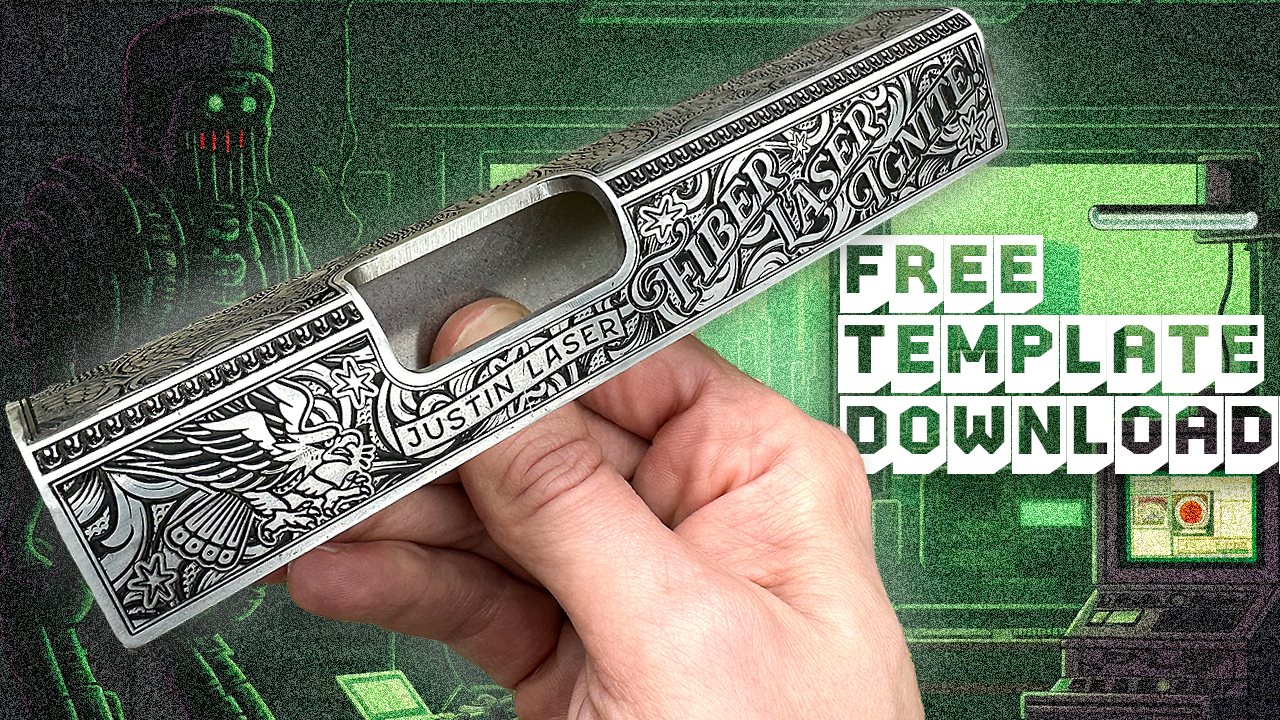
Want to practice gun engraving skills with your laser but dont want to waste money or expensive parts? Do what I do, have custom (fake) practice blanks made!
The first thing you need to do is come up with a basic gun slide design. I’ve already taken care of this step if you wish to use mine. Download the .eps file below:
Create the slide template
Next you will need to upload this template file to the website SendCutSend. They will be making the practice slides for us.
- Select your metal. I use 304 Stainless Steel in the video. Metals like aluminum and mild steel will cost a little less.
- Select your thickness. Thicker will be more expensive. I use 3.2mm.
- Add bends. This is where your slide comes alive. Make sure to add 90 degree bends (down) to your design. It will give you a warning but just click OK.
- Select finishing options. No finish will be cheapest, but also roughest. I added tumbling for my order. Gives a nice practice slide that doesn’t require a lot to finish afterwards.
- Select the quantity. Ordering just 1 will be most expensive so I suggest ordering at least a few for the discount.
All good to go!
If you use my template file and want a design to try out, download the .svg file below:
You will need to import this file into your software of choice. I use Lightburn in the video.
Lightburn Settings
The settings I used are as follows (60w JPT MOPA fiber):
Engrave (5 passes)
- Speed: 950 mm/sec
- Power: 95%
- Frequency: 48khz
- Q-Pulse: 200ns
- Line Interval: .025
- Scan Angle: 45deg
- Rotation: 71deg – Auto-Rotate
- Speed: 2000 mm/sec
- Power: 20%
- Frequency: 100khz
- Q-Pulse: 200ns
- Line Interval: .025
- Scan Angle: 0
Total passes per graphic: 100
Need help learning Lightburn?
Check out my beginner’s crash course on how to use Lightburn with your fiber laser, Fiber Laser Ignite!
Need a fiber laser?
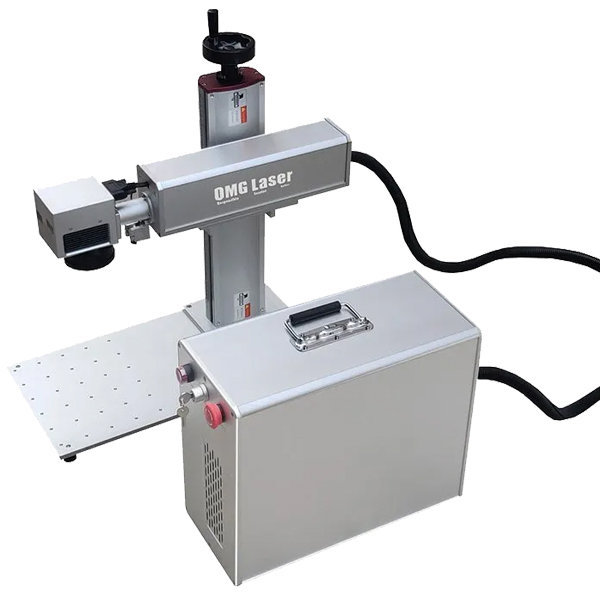
I always highly recommend the brand I use, OMG Laser! The model I have is the 60w JPT MOPA but you create this style of work with any of the available options. Use discount code OMGJL for $100 off your laser. If you have any specific questions reach out to Richard the owner and tell him Justin sent you. He will get you setup right.
Make sure you join the semi-official OMG Laser Facebook Group for support and inspiration if you decide to get one!